
Hiramie
Looks right the moment you open it.
For anyone who wants to watch a video shot for VR right now, on the screen in their hand, without digging out a headset.

For Android. Each video plays free for up to 3 minutes in total.
Sound familiar?
- You open a video and the picture is warped, or it plays as two images side by side
- To watch it properly, you have to work out for yourself whether it’s 180° or 360°, side by side or top-bottom
- Even once you know the settings, you repeat the same steps every time you open a video
- It’s not worth getting the headset out. You just want a quick look on your screen
Looks right the moment you open it.
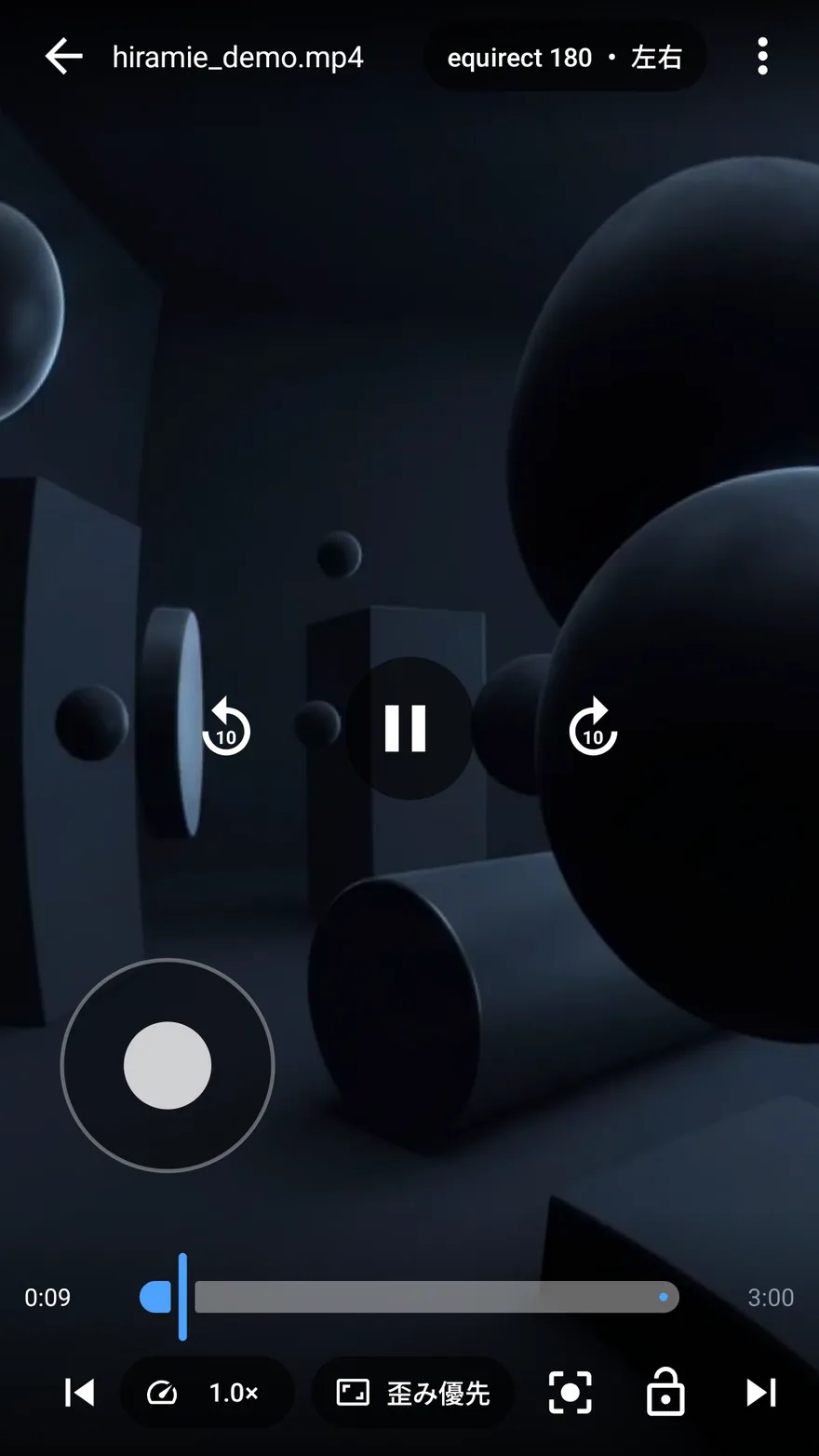
Videos shot for VR come in many formats. 180° or 360°? Two images side by side, or top and bottom? If it’s fisheye, what’s the field of view? Unless someone names the right one, you’re left with a warped picture, or two images next to each other. Hiramie doesn’t make you choose. Open a video and it already looks right. No headset needed, either: the screen becomes a window, and you look around as if peering inside.
Screenshots
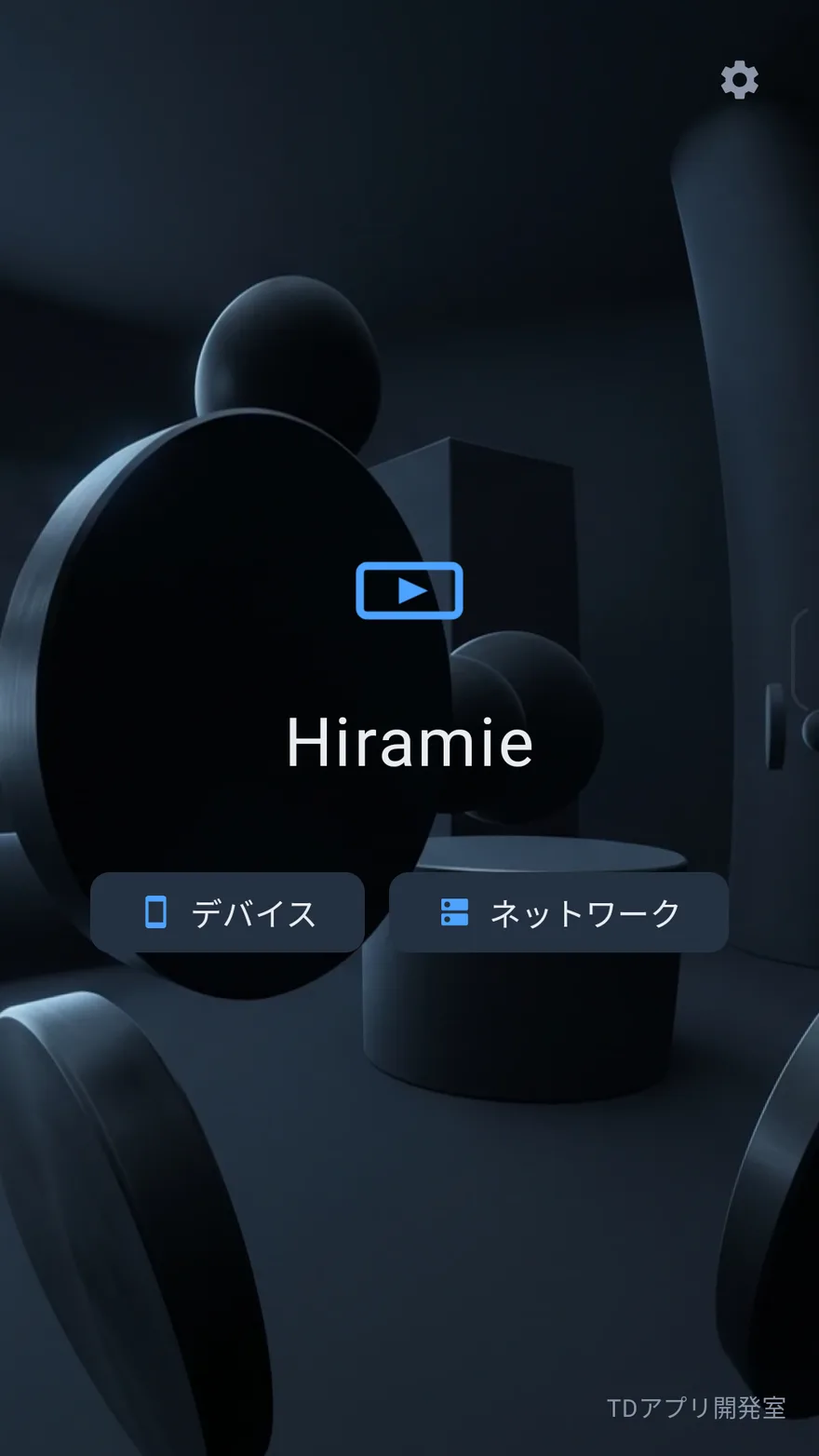
Features
-
Recognizes the format on its own Equirectangular 180° / 360°, fisheye (180° / 190° / 200° / 220°), stereoscopic layouts and mono. It checks the file name, then what the container declares, then the picture itself. Only when it guesses wrong do you need to pick one yourself.
-
Look around the way you like Swipe the screen, tilt the device, or use the on-screen stick. You can also change how the picture is projected (less distortion or straighter lines, for example) and how fast you look around. It works while holding the phone upright, too.
-
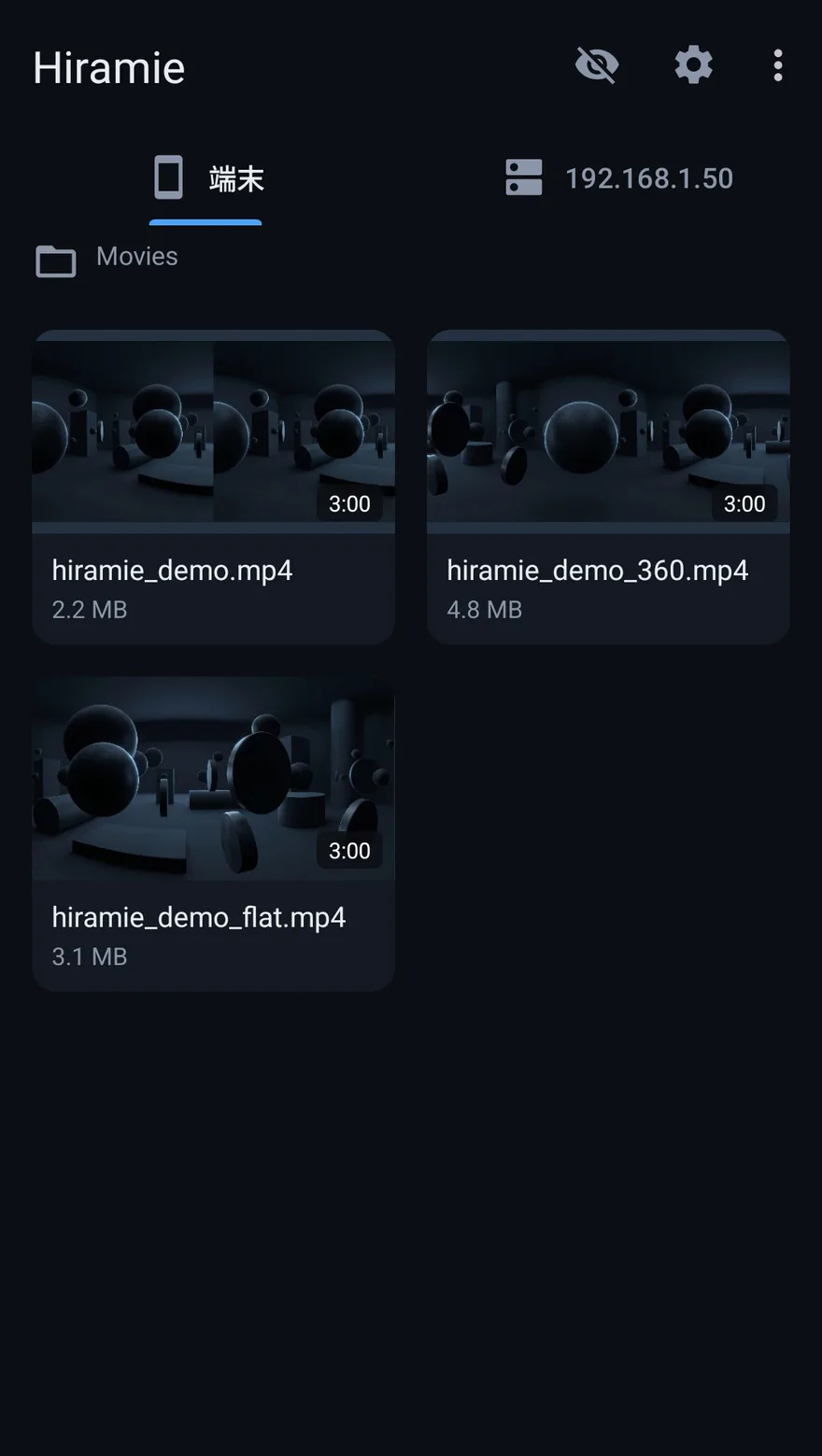
Wherever your videos are Videos on your device and shares on your home network such as a NAS (SMB / WebDAV) are on one screen, each in its own tab. Videos on the network play straight from there without downloading. You can also play a video from another app with “Open with”.
-
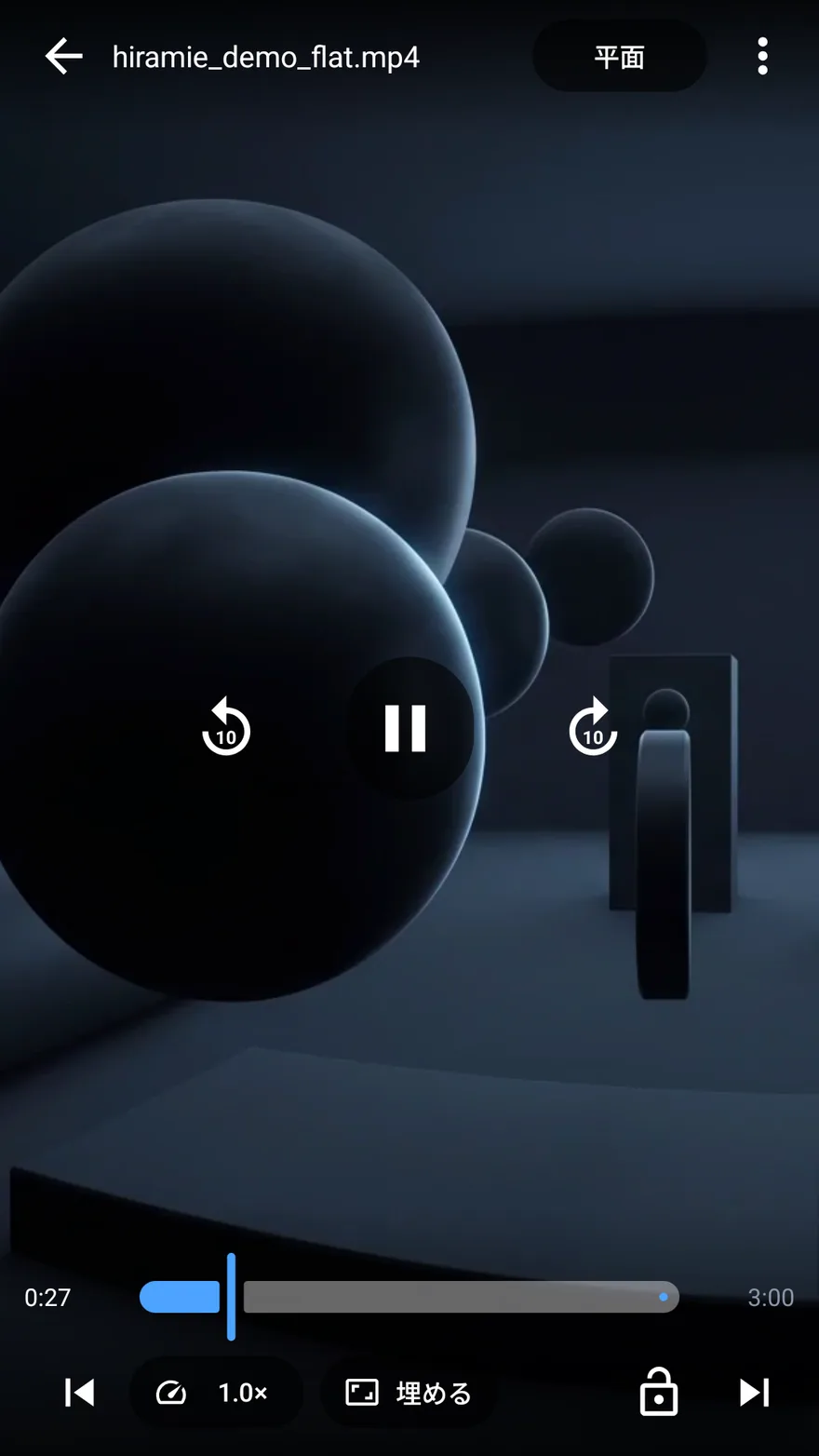
Everything you expect from a video player Playback speed, A-B repeat, resume where you left off, audio track switching and delay adjustment, subtitles, a small window (picture-in-picture), rotation lock, and touch lock.
-
Nothing leaves your device The app doesn’t communicate with any server we run. Settings and playback positions are stored only on your device, and are excluded from both the system’s automatic backup and direct transfer to a new device.
-
Keep folders and files secret Chosen folders and files can be kept out of this app’s lists. Showing them again takes your password (or biometrics). It only affects lists inside this app; files aren’t moved or deleted.
Requirements and pricing
| Platforms | Android |
|---|---|
| Price | Free. Each video plays for up to 3 minutes in total, with no features held back. The 3 minutes are counted per video, and used time doesn’t come back. Once you’ve checked that your own videos play properly, a one-time in-app purchase removes the limit. Google Play shows the price in your currency. |
| Account | Not required |
| Data | Everything is stored on your device. Nothing is sent to an external server. |
| Permissions | Internet / network state / reading videos on the device / biometrics / Google Play billing |
| Intended for | Adults (18+). This is the intended audience, not the content rating shown in Google Play |
Frequently asked questions
Do I need a VR headset?
No. The screen becomes a window you look through, and you can look around in three ways: swipe with your finger, tilt the device, or use the on-screen stick.
Which formats are supported?
Equirectangular 180° / 360°, fisheye (180° / 190° / 200° / 220°), stereoscopic layouts (side by side, side by side reversed, top-bottom, top-bottom reversed) and mono. Ordinary flat videos play as they are, too.
What if the format isn’t recognized correctly?
You can choose it yourself. Hiramie checks the file name, then what the container declares, then the picture itself, and you only need to step in when it guesses wrong.
Is it free?
Yes, you can use it for free. Each video plays for up to 3 minutes in total, with no features held back. That allowance is there so you can check that your own videos play properly before you buy. A one-time in-app purchase removes the limit.
How are the free 3 minutes counted?
Per video, as a running total. Every video has its own 3 minutes, so you can try as many as you like: something on your device and something on your NAS, a 180° video and a 360° one. Only time actually spent playing counts; seeking (moving the playback position) doesn’t. Used time doesn’t come back, even if you close and reopen the app, so once a video’s 3 minutes are used up, it won’t play any further.
Can I watch videos stored elsewhere, like on a NAS?
Yes. SMB shared folders and WebDAV / HTTP(S) are supported, and videos play straight from there without downloading.
Try it with your own VR videos.
Each video plays free for up to 3 minutes in total. If they play properly, a one-time in-app purchase removes the limit.
More from the studio
 last-visit
A record of the shops you’ve visited that shows on a map, in color, where to go next (Japan only)
last-visit
A record of the shops you’ve visited that shows on a map, in color, where to go next (Japan only)