
Air Fryer Cheat Sheet
How hot? How long? One tap.
Standing at the air fryer with a bag of frozen food, you don’t want a recipe. You want one number. This app is for that moment.


For iPhone and Android. $1.99 once, in the US (other countries follow the store’s price). No ads, no subscription. Not on the App Store in the EU or mainland China.
Sound familiar?
- You’re holding a bag of frozen wings and can’t remember: 380°F or 400°F?
- The package only gives oven directions
- You search every time, and the number is buried in a long recipe page
- So the air fryer ends up living in the cupboard
One number, not a recipe.
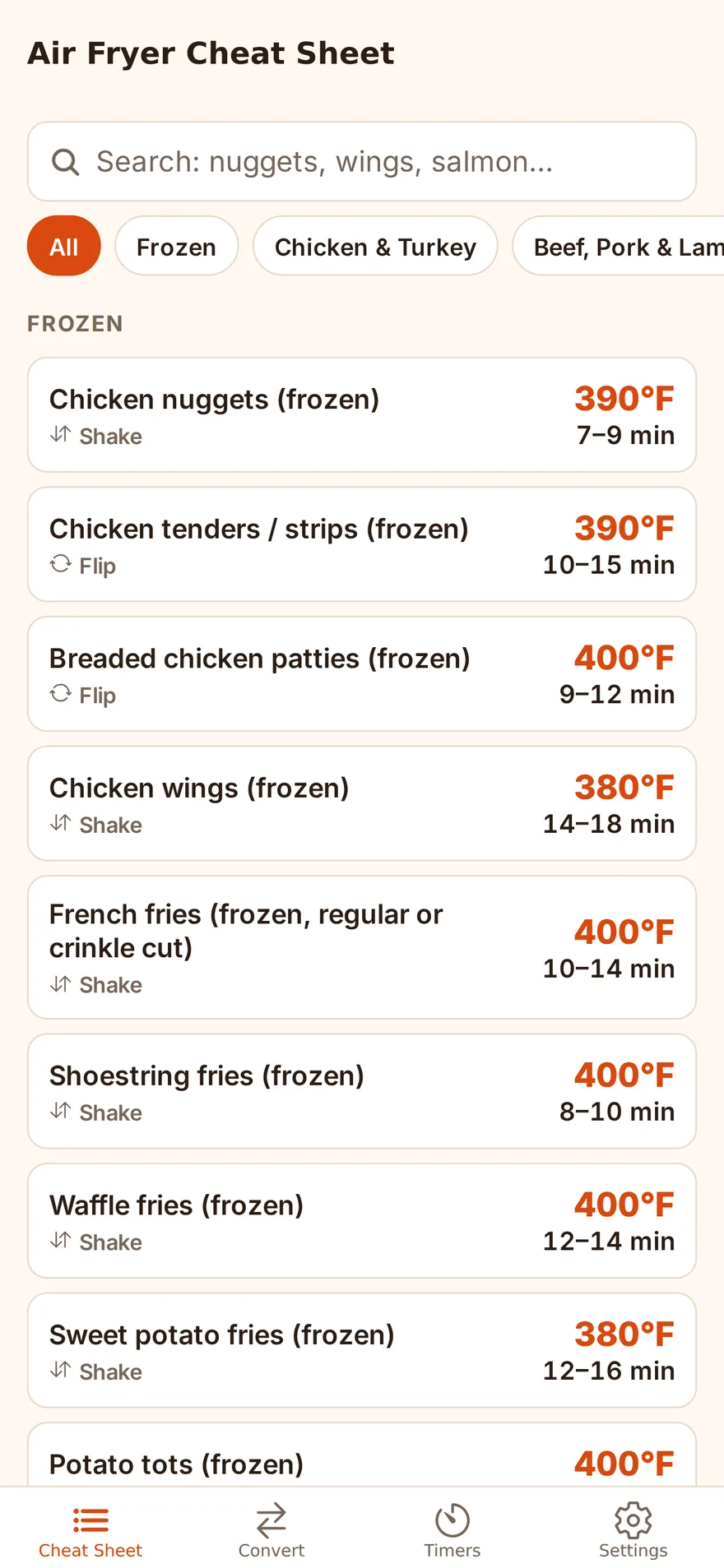
Most of the time you already know what you’re cooking. What you don’t know is the setting. Air Fryer Cheat Sheet keeps the temperature and time for 72 foods, from frozen nuggets and fries to fresh chicken, steak and salmon, so you can look it up in one tap. If all you have is an oven recipe, it converts that too. Then start a timer that reminds you to shake the basket halfway.
Screenshots
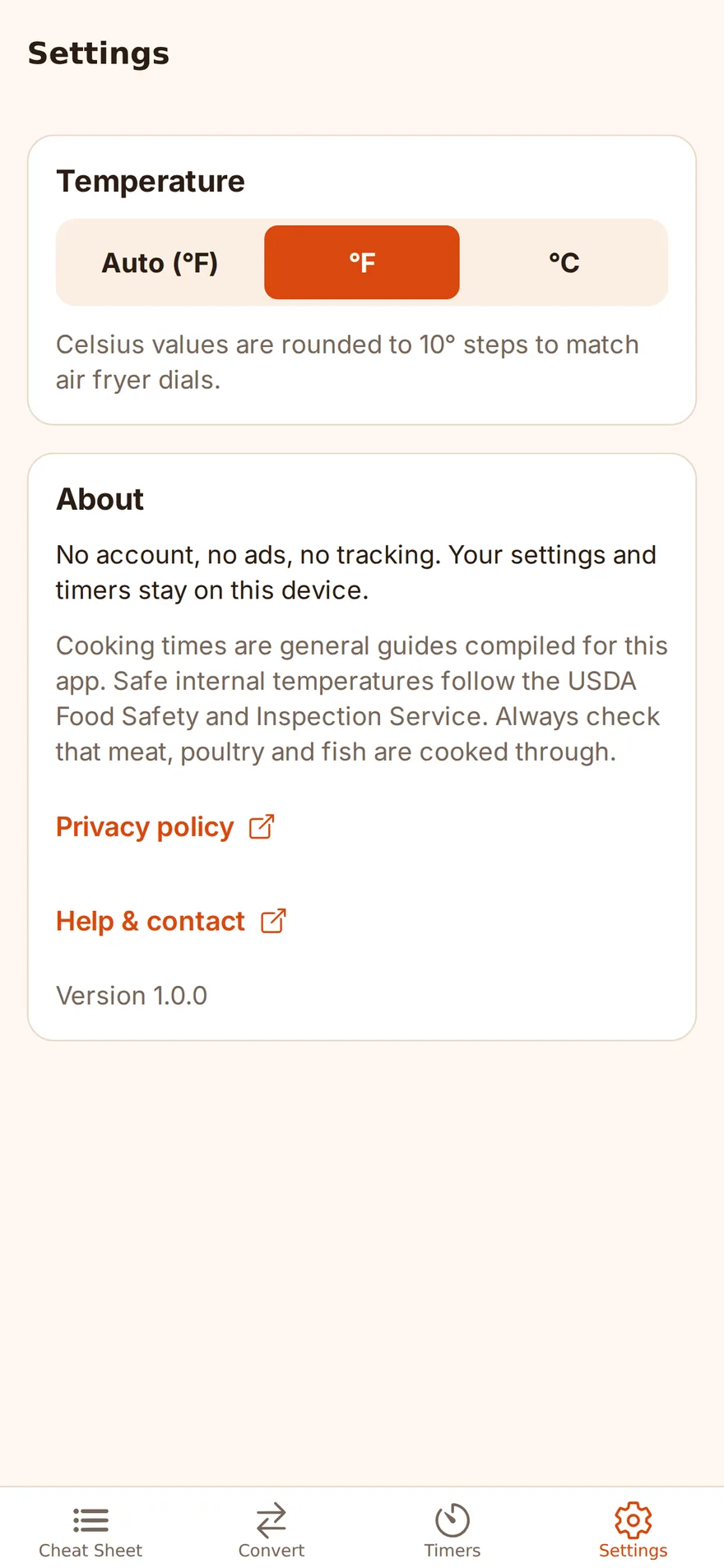
Features
-
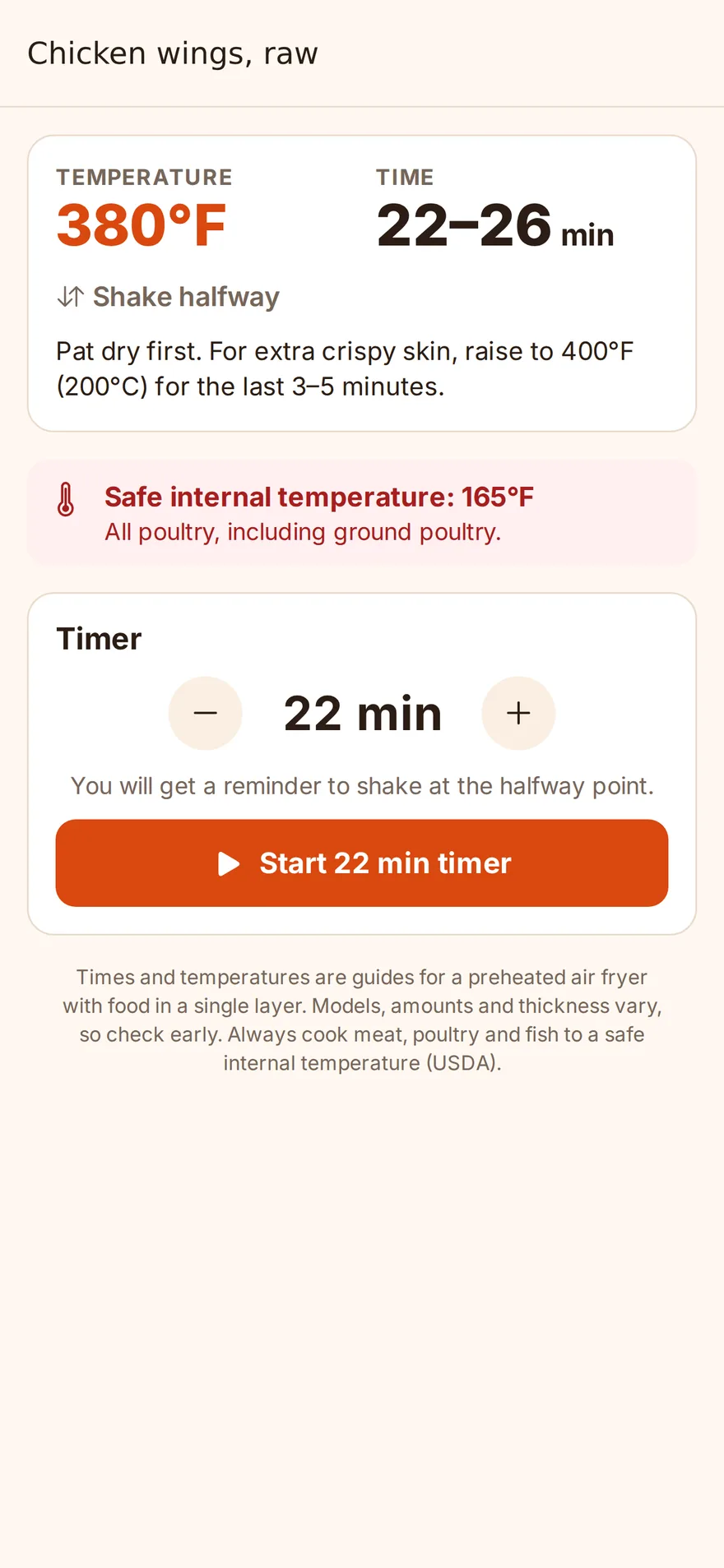
Cheat sheet for 72 foods Frozen favorites like nuggets, fries, potato tots, corn dogs and fish sticks, plus fresh chicken, steak, pork chops, salmon, shrimp and vegetables. Each shows the temperature, a time range, and whether to shake or flip. Search by name or browse by category.
-
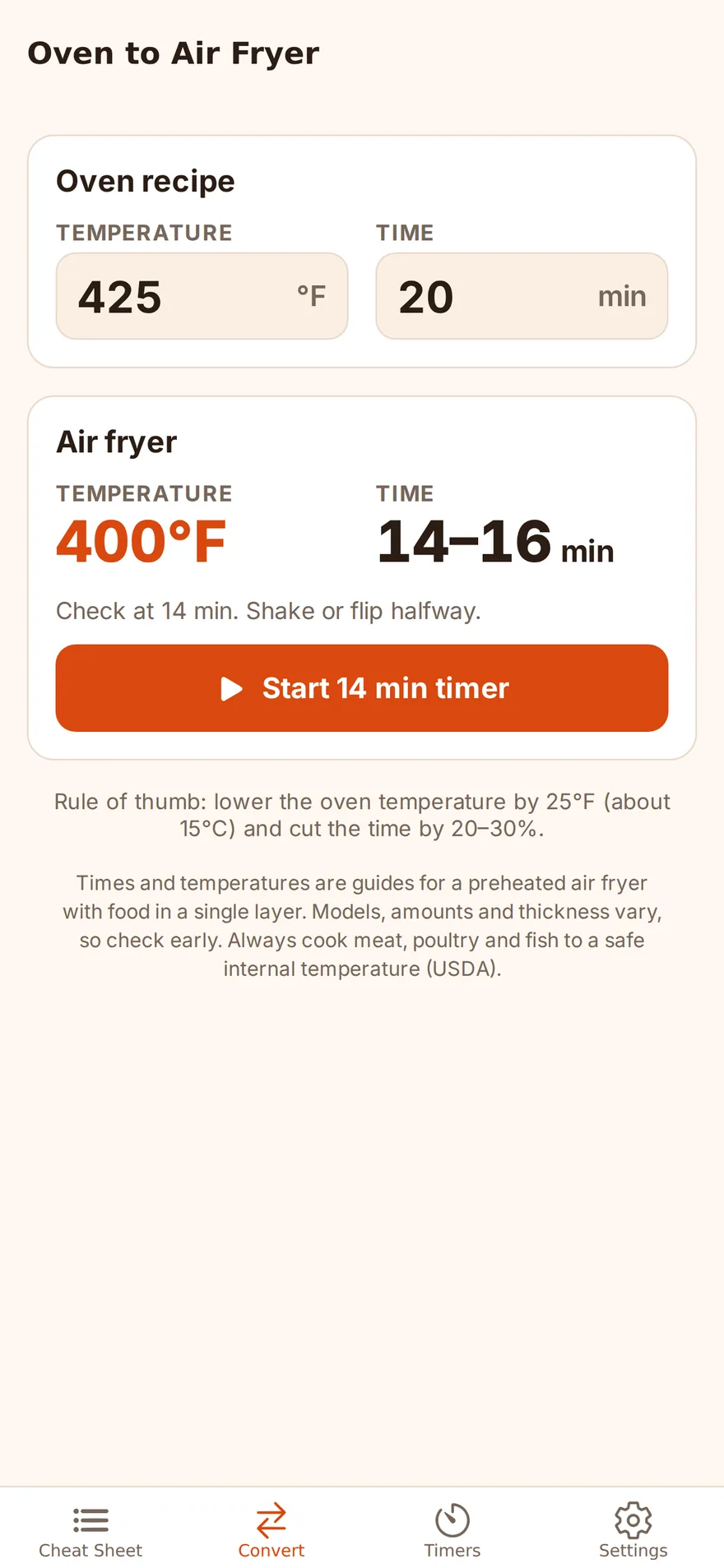
Oven to air fryer conversion Enter the oven temperature and time from any recipe or package. Get the air fryer setting and when to start checking.
-
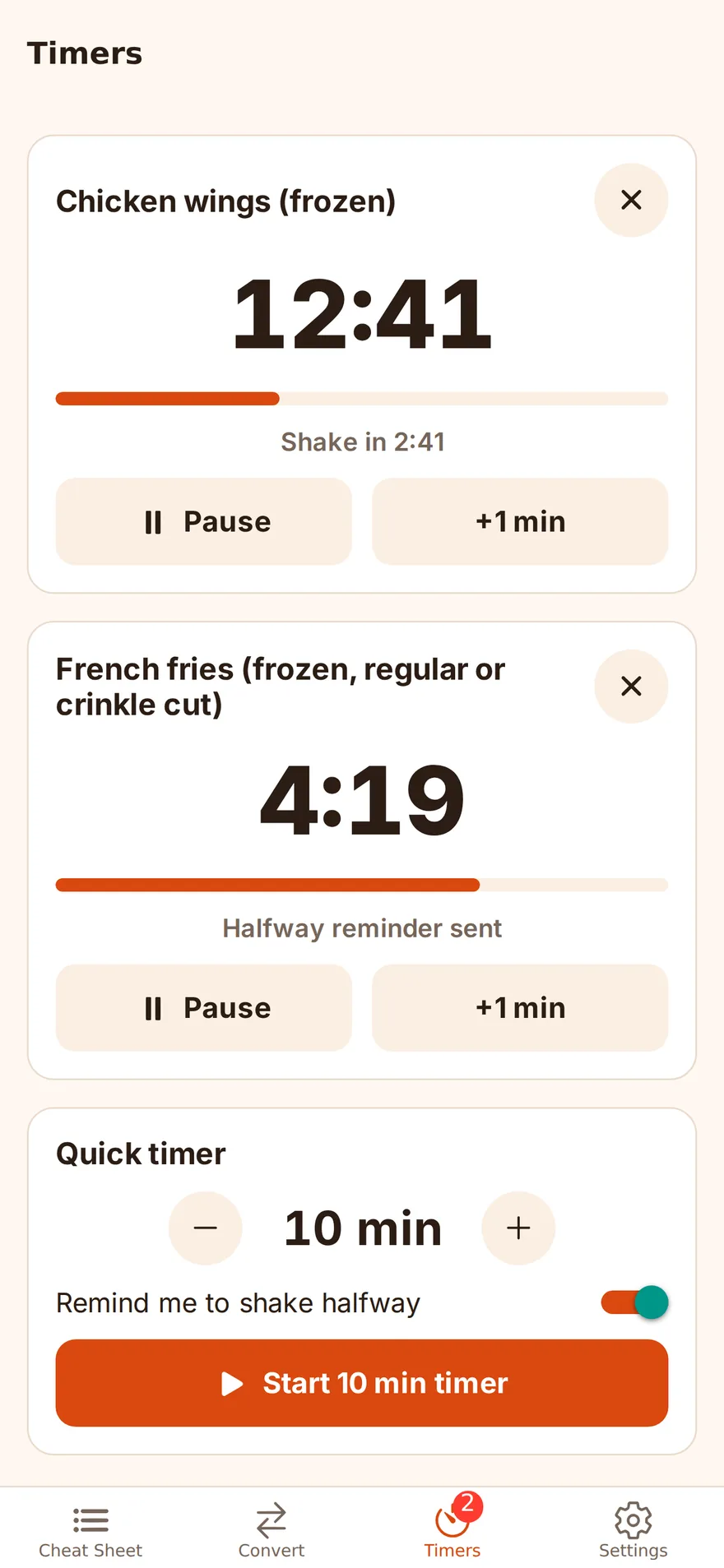
Timers that remind you to shake Run several timers at once. Get a reminder at the halfway point to shake the basket or flip. Alerts sound even when the app is closed, and you can add a minute with one tap.
-
Safe internal temperatures Chicken, meat and fish show the safe internal temperature from the USDA, so you know when it’s really done.
-
°F or °C Picks the unit for your region. Switch anytime. Celsius values are rounded to match air fryer dials.
-
Works offline, no account Everything is built into the app. Nothing is collected, and your settings and timers stay on your device.
Platforms and pricing
| Platforms | iPhone and iPad (App Store, iOS 16.4 or later) and Android (Google Play). The app is in English. |
|---|---|
| Price | $1.99 once, in the US. Other countries follow the store’s price. No in-app purchases, no ads, no subscription. |
| Account | Not needed |
| Data | Nothing is collected. Your temperature unit and timers stay on your device. |
FAQ
Is there a free version?
No. The app is a one-time purchase ($1.99 in the US) with everything included. There are no ads, no subscription and no in-app purchases.
Which foods are included?
72 foods: frozen favorites such as nuggets, fries, potato tots, pizza snack rolls, corn dogs, fish sticks, mozzarella sticks and egg rolls, plus fresh chicken, steak, pork chops, salmon, shrimp and vegetables.
Are the times exact?
No. They are guides for a preheated air fryer. Models and portions vary, so check early. Always cook meat, poultry and fish to a safe internal temperature; the app shows the USDA’s safe temperature for those foods.
Will the timer sound when the app is closed?
Yes, if you allow notifications. The alerts are scheduled on your device, so turn on notifications for the app.
Can I use °C?
Yes. The app picks °F or °C for your region and you can switch at any time in Settings.
Does it need the internet or an account?
No. Everything works offline, and there is no account.
Next time, skip the search.
The number you need, in one tap.
Other apps from the studio
These apps come from trust-delta, a one-person studio. One person makes them and runs them. About the studio
 last-visit
A record of the shops you’ve visited that shows on a map, in color, where to go next